

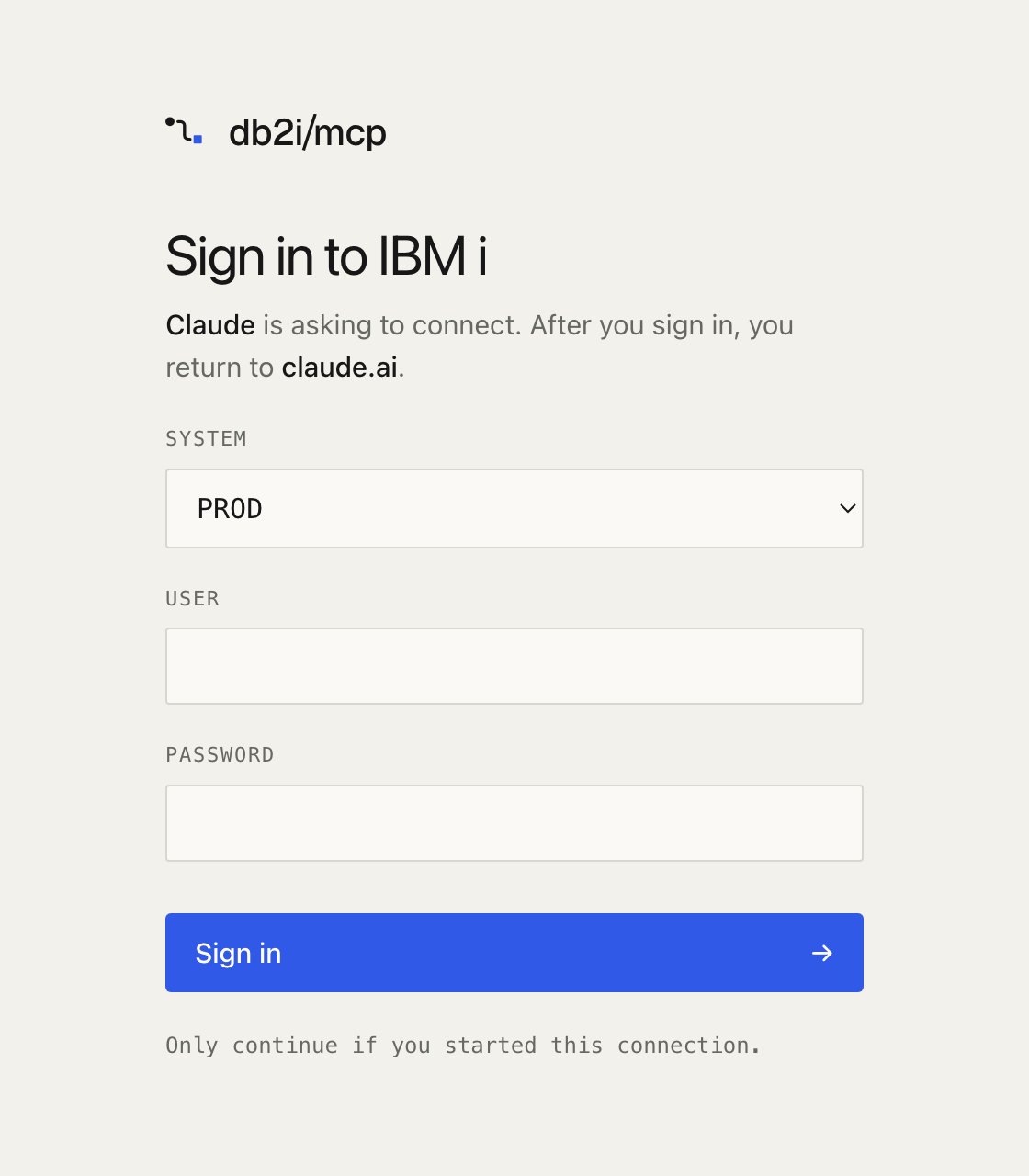
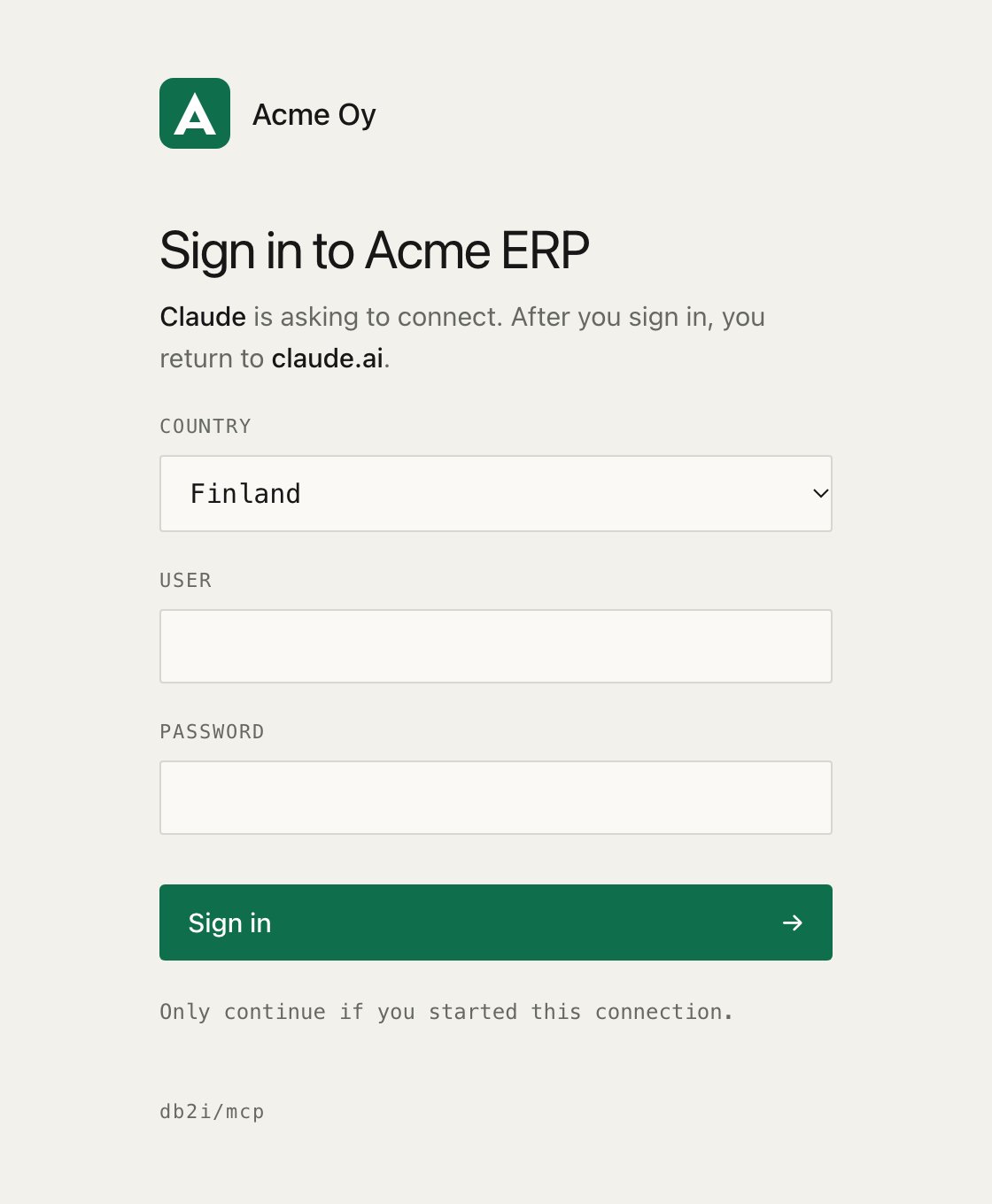
Name, logo and colors
- The logo is inlined. The file is read once at startup and embedded in the page, so the page loads nothing from another site and its Content Security Policy stays the same.
- SVG logos must be plain drawings. A logo with a script, an event attribute such as
onload,foreignObject, a DOCTYPE, or a reference to another file or URL is refused. References inside the file, such asurl(#gradient), are fine. If your logo is refused, export it again as a plain SVG, or use a PNG. - The button text stays readable. The server picks white or black text, whichever has more contrast with your accent. If the accent itself is hard to see against the page background, startup logs a warning.
- A small credit stays. When you set a name or a logo, a “db2i/mcp” line appears at the bottom of the page, so your IT team can tell what software is behind it.
System names in the picker
With several systems, the page shows a picker. Give a profile alabel to show a friendlier name. The profile name is still the value the form submits, and what the audit log and tools see.
Fonts
With both set, the font file comes first and the stack is the fallback. The stack may contain font names, quotes and commas only. Labels and input fields keep the monospace font.
Setting
MCP_OAUTH_FONT_FILE adds font-src data: to the page’s Content Security Policy. It is the only change the branding settings make to it.
Language and wording
The page ships in English and Finnish.
Everything the page shows is translated: the heading, the intro line, the labels, the button, the note, and the errors.
<html lang> follows the language. Error codes that clients read, in OAuth redirects and JSON responses, stay in English as the OAuth specification expects.
A strings file maps language codes to the strings you want to change. Keys you leave out keep the built-in text, and a language the server doesn’t ship falls back to English for them.
MCP_OAUTH_LANGUAGE=sv shows the Swedish page, and auto offers English, Finnish and Swedish.
MCP_OAUTH_TITLE and MCP_OAUTH_SYSTEM_LABEL set the heading and picker label for every language. A strings file entry for one language takes precedence over them, so you can give the Finnish page its own heading.
Keys
The full English and Finnish files are in
src/auth/locales.
Rules for a strings file:
- Strings are text, not HTML. Every string is escaped, so
<b>shows as it is written. - Keep the placeholders. A string must use exactly the
{placeholders}of its English text. The server fills them with the client name, the site the user returns to, or a number. It refuses a string that drops or adds one, so a translation can’t hide where the user is sent. - Limits. Each string is at most 200 characters, and the file at most 64 KB. A file that is not valid JSON, or has an unknown key or language code, stops the server at startup.
src/auth/locales with every key, added to signInStrings.ts. A test fails if it misses a key or a placeholder. Contributions are welcome.